Click on components to interact with them in the connection area.
Hover over Raspberry Pi pins to view pin information.
Double-click on connection points to create wire connections.
Double-click in empty space to extend or bend wire connections.
How To Connect
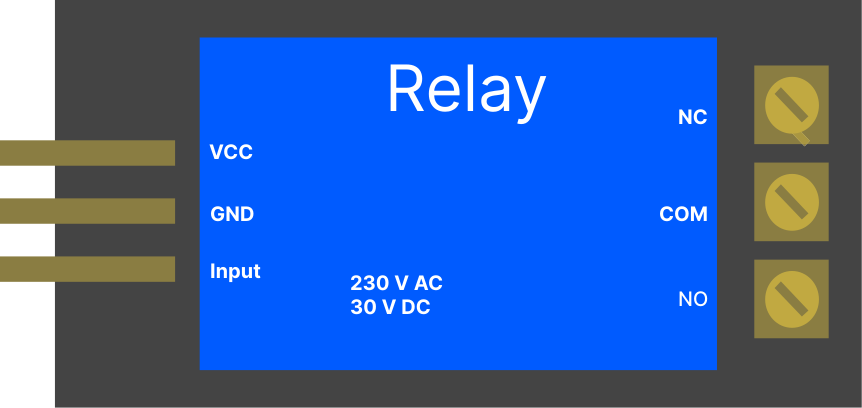
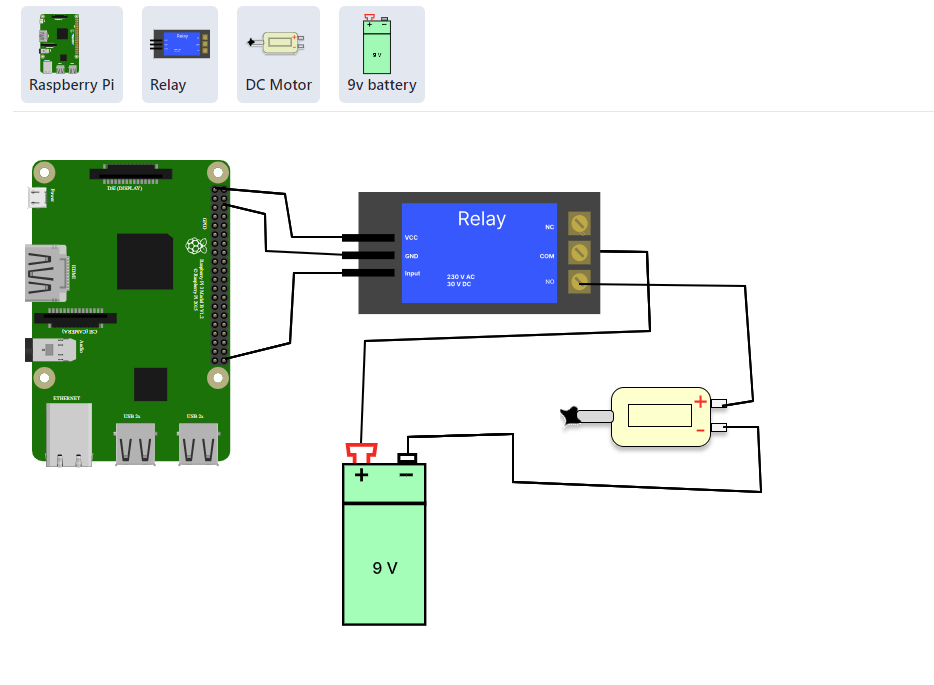
Connect 3.3V pin of Raspberry Pi to VCC pin of Relay.
Connect GND pin of Raspberry Pi to GND of Relay.
Connect GPIO 21 of Raspberry Pi to Input pin of Relay.
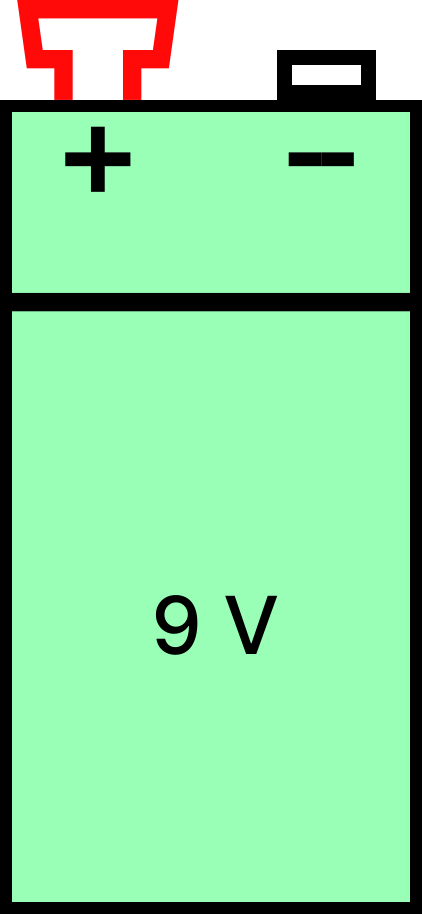
Connect COM (Common pin) of Relay to +ve Voltage source of Battery.
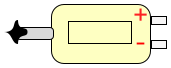
Connect NO (Normally Open) pin of Relay to +ve terminal of DC motor.
Connect -ve of Voltage source of Battery to -ve terminal of DC motor.
Connection Logs
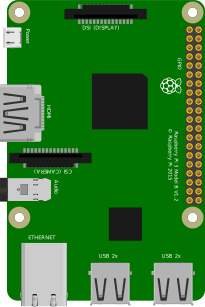
Raspberry Pi
Relay
DC Motor
9V Battery
Hover over a component to see its description.
CONNECTOR INFO
import RPi.GPIO as GPIOimport time# Set up GPIOGPIO.setmode(GPIO.BCM)relay_pin = 21GPIO.setup(relay_pin, GPIO.OUT)# Function to turn on the motordef turn_on_motor(): GPIO.output(relay_pin, GPIO.HIGH) print("Motor ON")# Function to turn off the motordef turn_off_motor(): GPIO.output(relay_pin, GPIO.LOW) print("Motor OFF")try: # Main loop while True: turn_on_motor() time.sleep(1) # Run the motor turn_off_motor() time.sleep(2) # Wait before turning on againexcept KeyboardInterrupt: # Clean up GPIO on keyboard interrupt GPIO.cleanup()