How to Connect

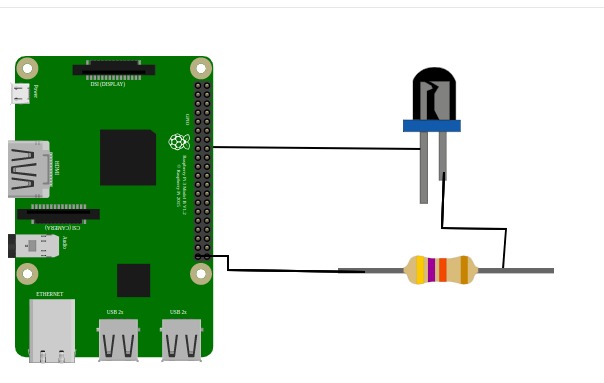
connection_diagram
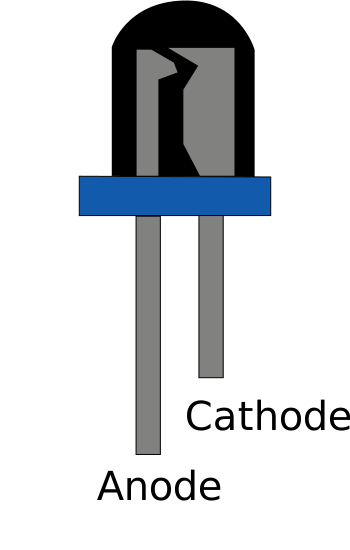
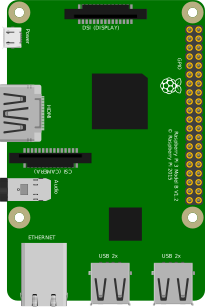
  1. Connect a wire from any GPIO pin on the Raspberry Pi to the anode (longer, positive leg) of the LED.
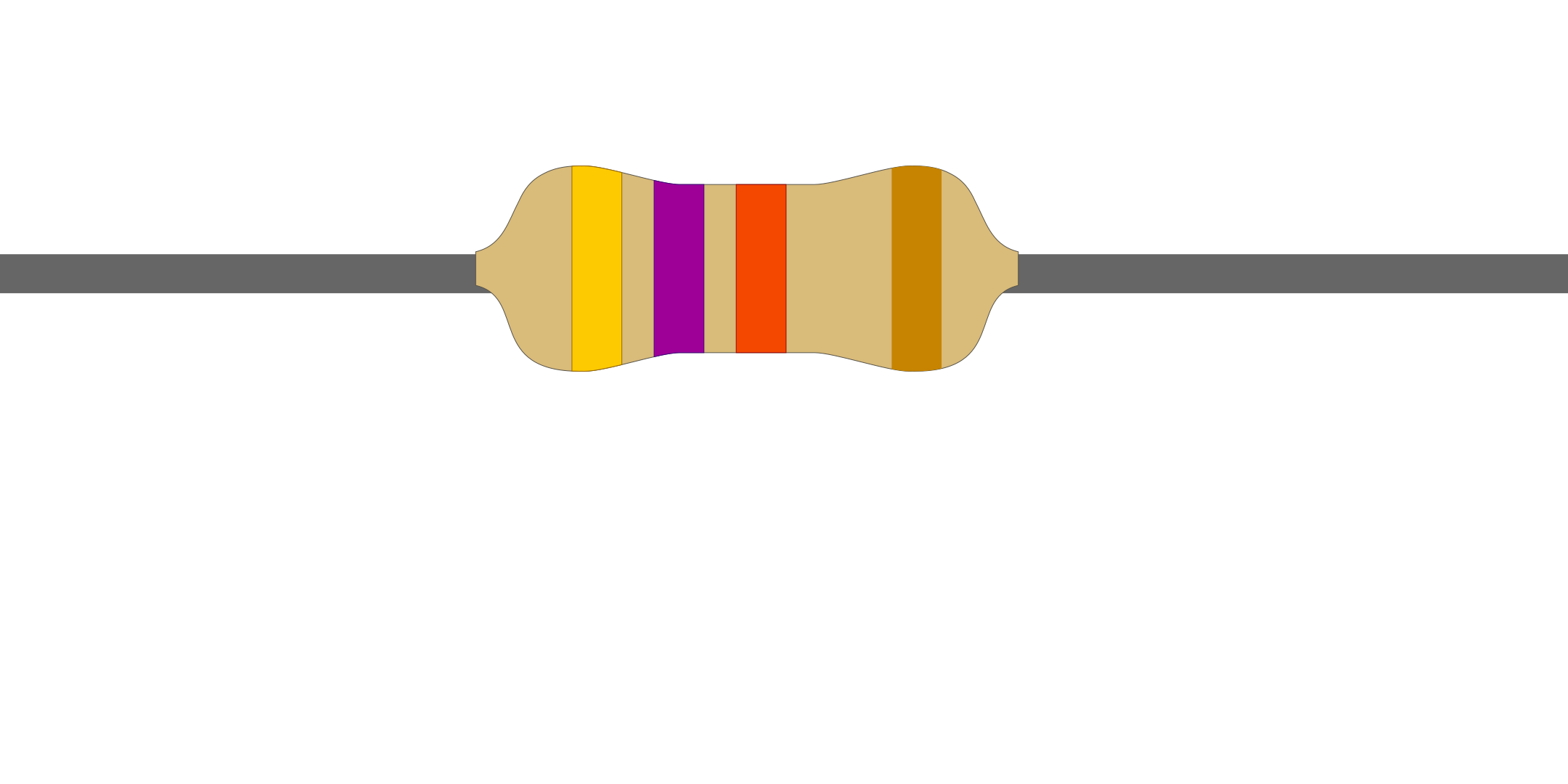
  2. Attach one end of a resistor to the cathode (shorter, negative leg) of the LED.
  3. Link the other end of the resistor to any GND pin on the Raspberry Pi.
  4. After completing the circuit connection, click the "Code" button, submit the code by entering the corresponding pin number, and observe the circuit’s operation.

Connections Logs

    Raspberry Pi
    Led bulb
    Resistor
    Hover over a component to see its description.

    CONNECTOR INFO
        import time
        LED_PIN = 
        GPIO.setmode(GPIO.BCM)
        GPIO.setup(LED_PIN, GPIO.OUT)
        LED_COLOR = 
        try:
        GPIO.output(LED_PIN, GPIO.HIGH)
        time.sleep(  )
        GPIO.output(LED_PIN, GPIO.LOW)
        time.sleep( )
        except KeyboardInterrupt:
        GPIO.cleanup()