How To Connect

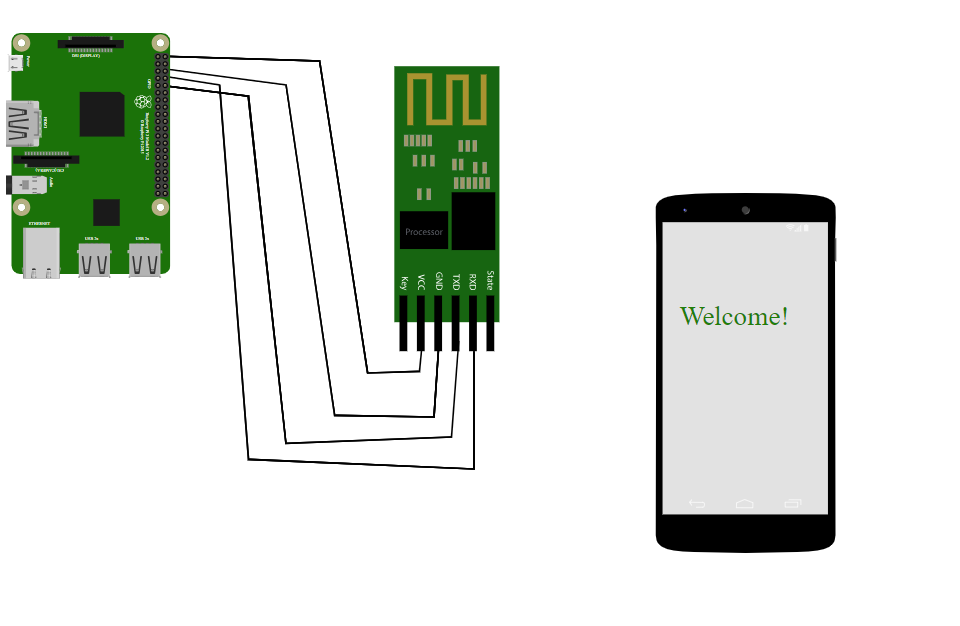
diagram
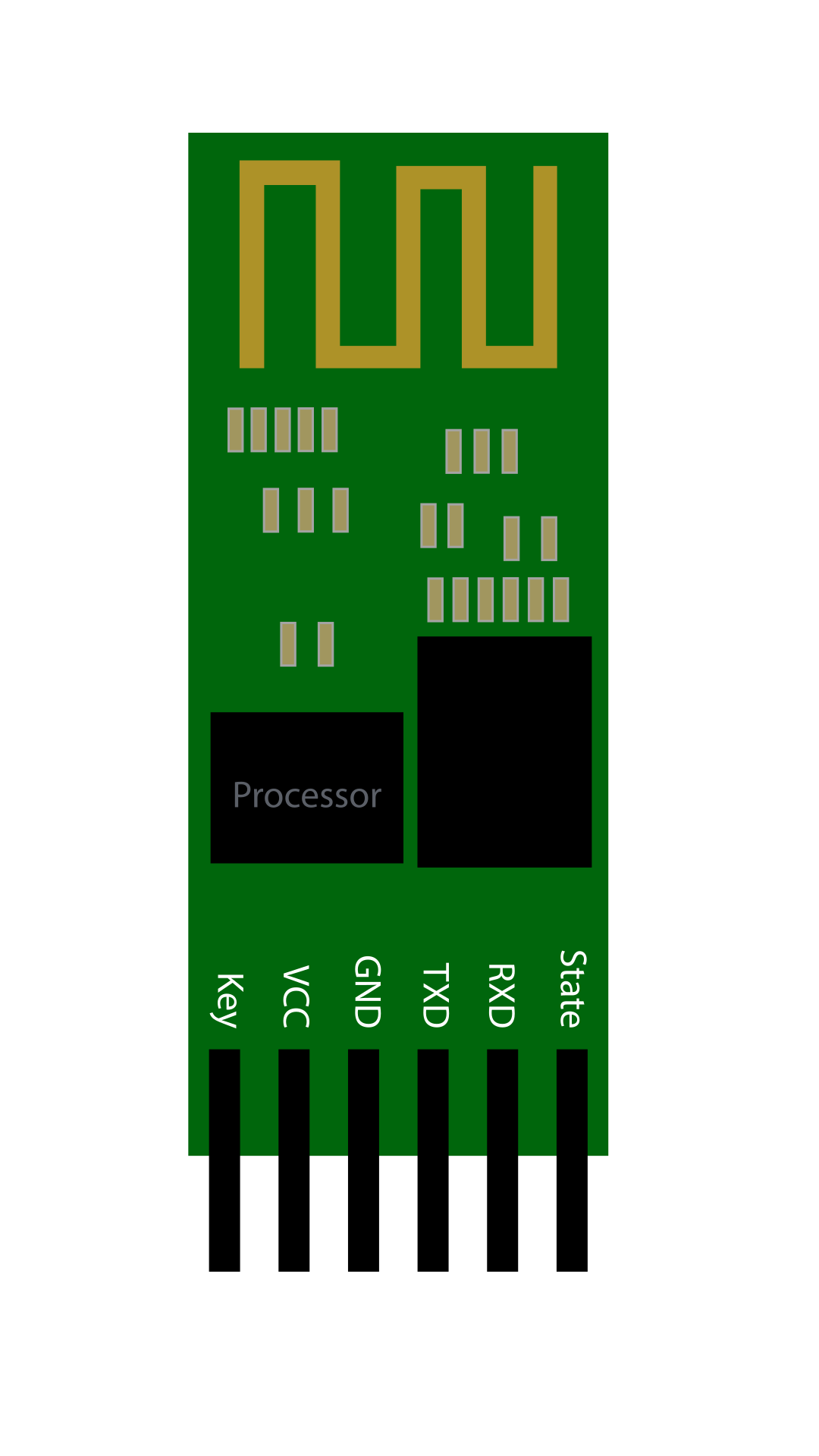
  1. Connect the VCC of the HC-05 Bluetooth Sensor to the 5V PWR pin of the Raspberry Pi
  2. Connect the TX pin of the HC-05 Bluetooth Sensor to the UART0 RX pin of the Raspberry Pi
  3. Connect the RX pin of the HC-05 Bluetooth Sensor to the UART0 TX pin of the Raspberry Pi
  4. Connect the GND pin of the HC-05 Bluetooth Sensor to the GND pin of the Raspberry Pi
  5. Click the Bluetooth icon on the smartphone to turn on Bluetooth
  6. Turn on Bluetooth by clicking the switch on the smartphone screen
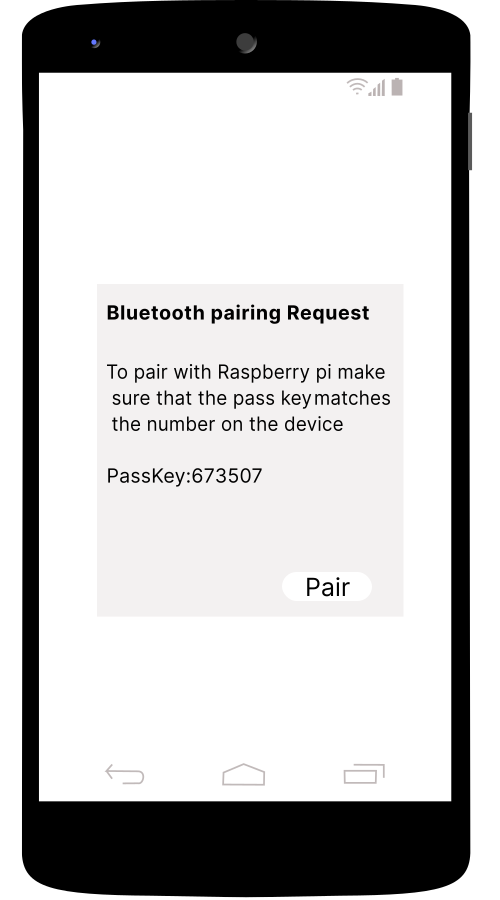
  7. Select Raspberry Pi from the available devices
  8. Click the pair option to pair the smartphone

After completing the circuit, the user can enter data into the code, and it will be transferred to the smartphone via Bluetooth, displaying on the smartphone screen.

Connections Logs
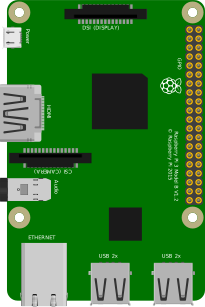
    Raspberry Pi
    HC-05
    Smartphone

    CONNECTOR INFO
        import bluetooth
        
        def start_bluetooth_server():
            server_sock = bluetooth.BluetoothSocket(bluetooth.RFCOMM)
        
            port = 1  # You can use any available port
        
            server_sock.bind(("", port))
            server_sock.listen(1)
        
            print("Waiting for Bluetooth connection...")
        
            client_sock, client_info = server_sock.accept()
            print("Accepted connection from", client_info)
        
            try:
                while True:
                    message = input(
                    )
                    if not message:
                        break
        
                    client_sock.send(message)
                    print(f"Sent: {message}")
        
            except KeyboardInterrupt:
                print("Interrupted by user")
        
            finally:
                print("Closing connection...")
                client_sock.close()
                server_sock.close()
                print("Server closed")
        
        if __bodymain__ == "__main__":
            start_bluetooth_server()