How To Connect

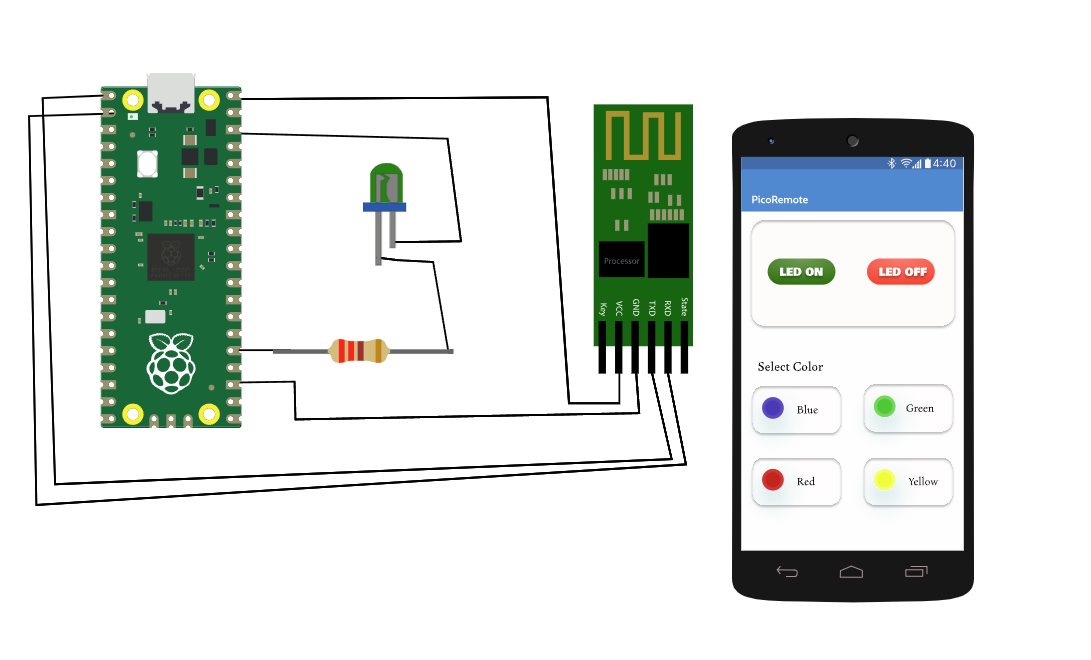
connection_diagram
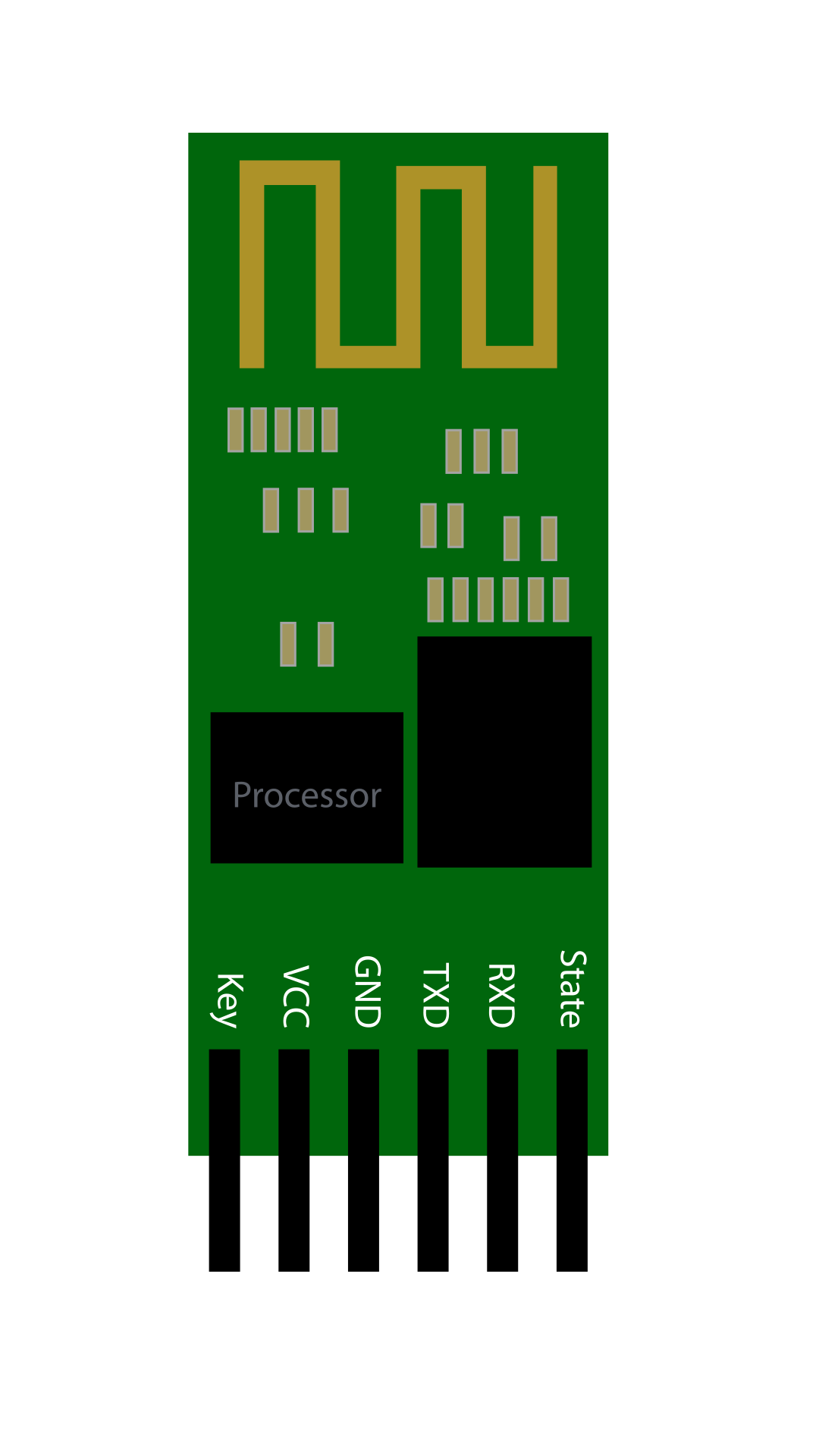
  1. Connect VCC of HC-05 Bluetooth module to VBUS (5V) of Raspberry Pi Pico.
  2. Connect TXD of HC-05 to GP0 of Raspberry Pi Pico.
  3. Connect RXD of HC-05 to GP1 of Raspberry Pi Pico.
  4. Connect GND of HC-05 to GND of Raspberry Pi Pico.
  5. Connect the positive terminal of the LED to the resistor.
  6. Connect the other terminal of the resistor to GP19 of Raspberry Pi Pico.
  7. Connect the negative terminal of the LED to GND of Raspberry Pi Pico.
  8. Click the Bluetooth icon on the smartphone to enable Bluetooth.
  9. Turn on Bluetooth by clicking the switch on the smartphone screen.
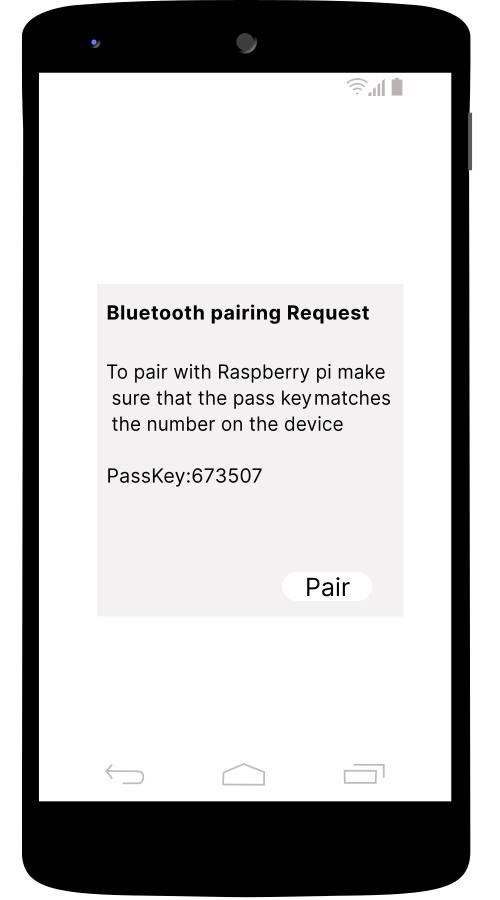
  10. Select Raspberry Pi from available devices to pair.
  11. After pairing, use the smartphone buttons to turn the LED on or off.

Connection Logs

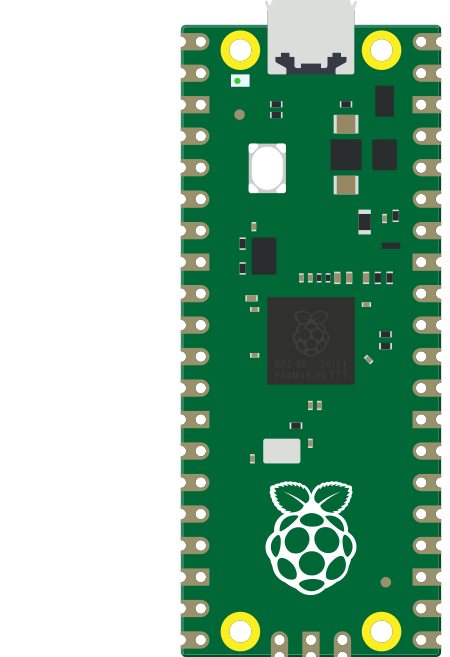
    Raspberry Pi Pico
    HC-05
    Resistor
    LED
    Smartphone

    CONNECTOR INFO
        from machine import Pin, UART
        
        uart = UART(0, 9600)
        led = Pin(19, Pin.OUT)
        
        while True:
            if uart.any():
                command = uart.readline()
                if command == b'ON':
                    led.high()
                    print("LED ON")
                elif command == b'OFF':
                    led.low()
                    print("LED OFF")